

Quick Facts
- Free Airport WiFi
- Available at Vienna International Airport for basic browsing, messaging, and trip checks
- Best for Airport WiFi
- Short tasks after landing: hotel messages, ticket lookup, route planning, email checks
- Best for Mobile Data
- Train transfers, live maps, ride-hailing, event days, and moving around central Vienna
- Typical Cost
- Airport WiFi: free; eSIM data plans vary by allowance and duration; roaming can be the most expensive option
- Strongest Use Case
- Set up your eSIM before arrival so you can leave the terminal already connected
- eSIMno Networks
- A1, H3G, T-Mobile
WiFi or Mobile Data? Start With Your First Two Hours
If you’re staying near the airport, free WiFi may cover the basics. But most travelers landing at Vienna International Airport aren’t stopping there — they’re heading into the city, onto a train, or straight to a hotel check-in. That’s where mobile data starts winning.
Airport WiFi is useful for low-pressure tasks: telling someone you’ve landed, checking the City Airport Train schedule, or opening a booking confirmation. Once you’re in motion, though, the friction shows up fast. You don’t want to be hunting for another network while changing trains, walking the Ringstrasse, or trying to find the right entrance near Vienna State Opera before a timed reservation.
If your trip includes event dates like Donauinselfest 2026 or the UEFA Europa Conference League Final 2026, expect heavier network demand in transit corridors and crowd zones. In those moments, having your own data connection is usually the calmer option.
How to Connect
- At Vienna International Airport arrivals
Use the airport’s free WiFi for the first five minutes only: check passport-control follow-up messages, confirm your hotel address, and look up whether you’re taking the City Airport Train or the S7. If your eSIM is already installed, switch to mobile data before you leave the terminal so maps keep working on the move. - On the train toward Vienna Central Station
This is the point where mobile data becomes more useful than WiFi. You may be checking platform details, opening a digital rail ticket, or messaging someone about your arrival time. A stable data connection matters more here than saving a tiny amount of data usage. - In the Naschmarkt area or around St. Stephen’s Cathedral
Busy central zones are where travelers constantly reopen maps, restaurant pins, and payment confirmations. Public WiFi can be patchy or inconvenient when you’re walking. Keep mobile data on so you can navigate side streets, compare tram routes, and avoid stopping every few minutes. - At hotel check-in near places like Vienna Marriott Hotel
Don’t rush to switch everything to hotel WiFi the second you arrive. Finish check-in, test your room connection, and keep mobile data active until you know the hotel network is stable. That way your booking emails, messaging apps, and map links stay available if the login process takes longer than expected.
What eSIM Setup Looks Like in Practice
The easiest version is boring in the best way: buy your plan before the trip, install the eSIM while you still have reliable home internet, and activate it when you land. Then your phone is ready for the airport-to-city handoff without any extra setup stress.
If you’re new to eSIMs, keep your primary SIM active for calls if needed, but set mobile data to the eSIM line once you arrive in Austria. Turn on data roaming for that eSIM if your provider requires it, then test three things in order: maps, messaging, and a browser search. If all three work, you’re set.
We’d also download any rail or museum tickets before boarding your flight. Vienna is efficient, but efficient cities often assume your phone is ready. If you want a simple option before departure, explore eSIMno plans for Vienna and sort it out ahead of time.
Tips
- If your phone supports dual SIM, label your eSIM line something obvious like 'Vienna Data' before departure so you don’t switch the wrong line after landing.
- At Vienna International Airport, finish any app logins while seated in arrivals rather than halfway to the rail platforms. It’s easier to troubleshoot before you start moving.
- If you’re attending a major event at Ernst Happel Stadium, download your ticket and venue map in advance even if your data is working well. Entry queues are smoother when everything is already cached.
- Battery drain can jump on travel days because your phone keeps searching between networks. Carry a small power bank if you’re heading straight from the airport to sightseeing or meetings.
Arrival Connection Moment
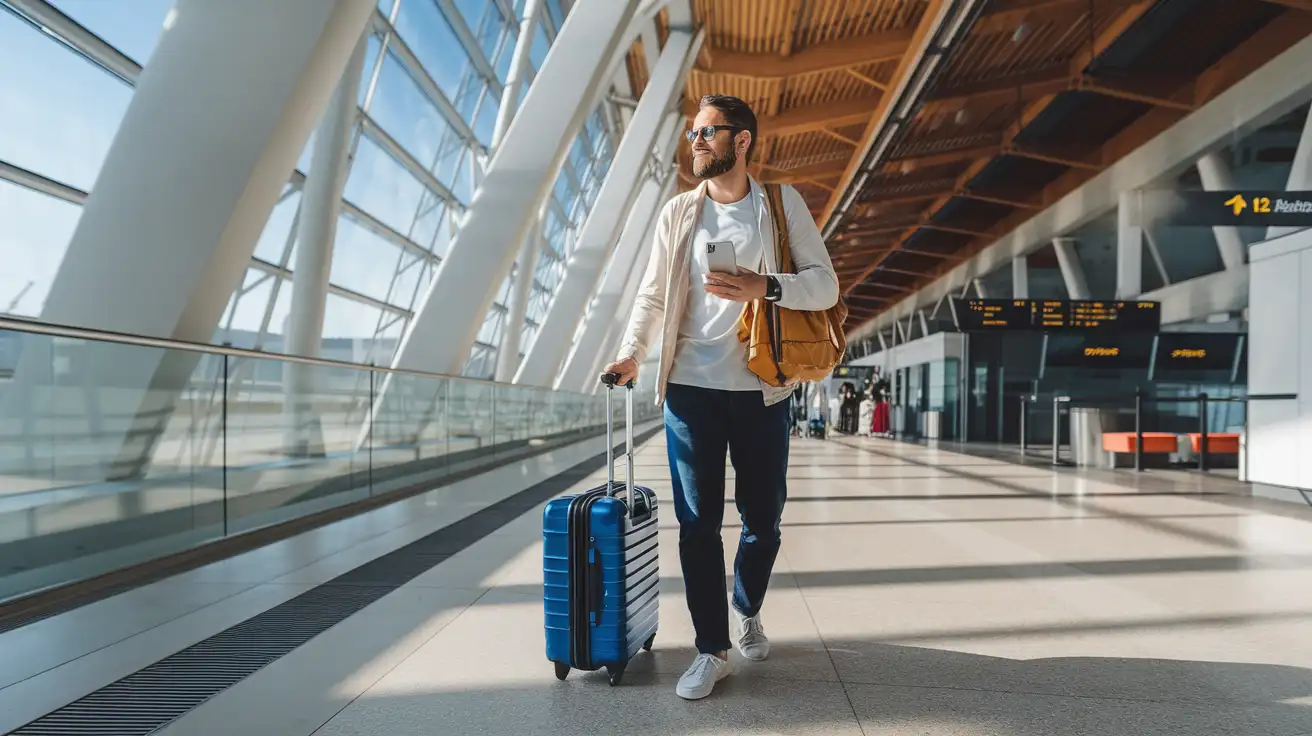
Compare WiFi Options at Vienna International Airport
 Recommended Recommended | Local SIM / Operator | Roaming | |
|---|---|---|---|
| FEATURES | |||
| Setup time | Few minutes | Store visit + paperwork | Auto |
| No local ID needed | Online checkout | Local ID required | Use home account |
| Speed | 4G/LTE; 5G in some areas | Carrier-grade | Partner-dependent |
| Travel support | English support 24/7 | Operator shops and call centre | Home carrier hours |
| Keep home number | Dual SIM | Replaces it | Same number |
| Cost predictability | Fixed price | Bills can spike | Bill-shock risk |
| PRICING | |||
Typical pricing | See plans below | — | — |
PRICING — PICK YOUR ESIMNO PLAN
Destination overview
Frequently Asked Questions
Featured eSIM plans
Austria Net

Austria Net
Austria Net
Austria Net
Austria Net
Austria Net
Austria Net
Austria Net