







No more SIM kiosks
Skip the airport queues. Install your eSIM at home, activate when you land.


Land connected. No SIM kiosk hunt, no roaming charges, no setup at the airport. One plan covers your whole trip.
 United States / Miami International Airport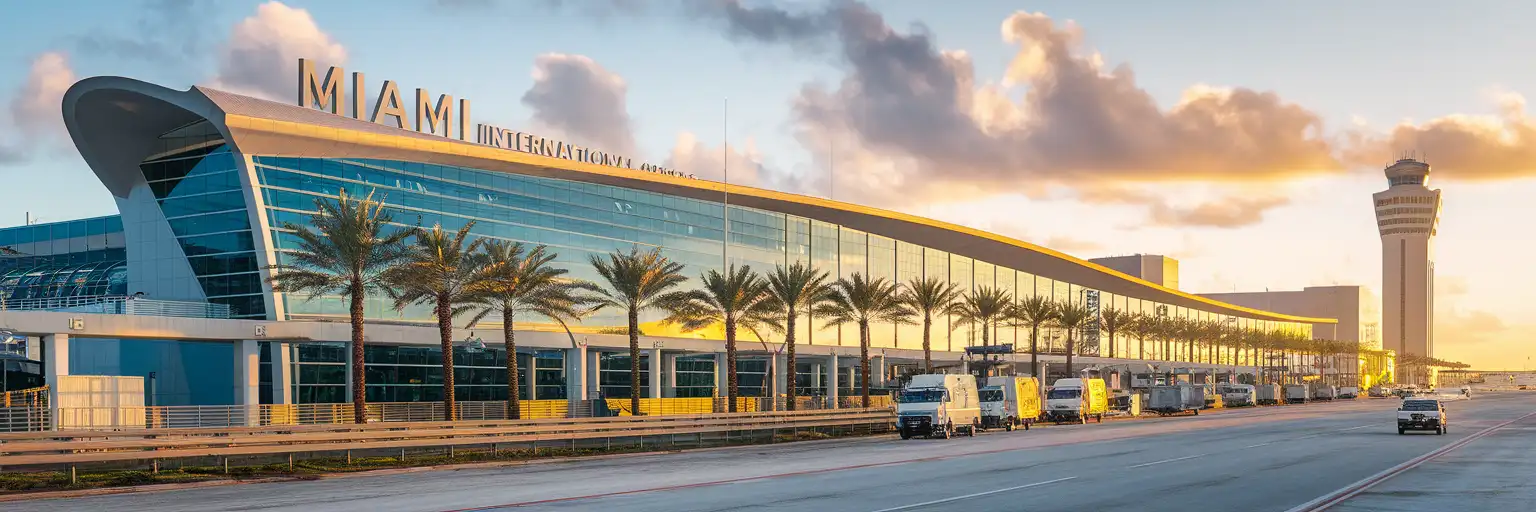
Tell us what you'll do and how long you'll be away — we'll highlight the right plan.
What will you do?

Miami International Airport is a three-terminal, 131-gate complex where the walk from Concourse D1 to Concourse J18 can take 30 minutes without the Skytrain—and real-time gate-change alerts on your phone beat jogging blindly toward a boarding call you missed. The airport's free WiFi requires a captive-portal sign-up that stalls during peak arrival waves, and coverage thins in the customs corridors where you need it most for Global Entry confirmation screens and Mobile Passport Control.
With an eSIMno plan for Miami International Airport, your data is live the moment you taxi in. Request your Uber or Lyft from the Dolphin or Flamingo garage while still walking the arrivals hall—surge pricing shifts fast during cruise-ship turnaround days and Formula 1 race weekends, and a 60-second delay can cost you $15. Pull up the MIA Mover schedule and Metrorail Orange Line real-time arrivals on Google Maps or Citymapper before you reach the platform. Text your pickup party the exact door number (lower-level curbside, Central Terminal arrivals) so they're idling when you step outside.
International connections through MIA require clearing U.S. Customs at your first point of entry—even if you're flying onward to another country. That means collecting bags, re-clearing TSA, and navigating between North, Central, and South terminals with only landside walkways or the curbside shuttle. Real-time terminal maps on your phone cut confusion; the American Airlines app shows live connection times from Concourse D to your next gate. A dead phone in the immigration queue means missing the 90-minute minimum connection window airlines recommend for international-to-domestic.
The MIA Mover automated people mover runs from level 3 of the terminal-side garage to the Miami Intermodal Center (MIC) in about 4-5 minutes—free, no ticket required. From the MIC, Metrorail's Orange Line reaches Government Center (downtown Miami / Brickell transfer point) in roughly 15 minutes; a one-way EASY Card fare runs around $2.25. Tri-Rail commuter trains also board at the MIC for connections north to Fort Lauderdale and West Palm Beach.
Uber and Lyft pickups are on level 2 of the Dolphin garage (serving North Terminal / Concourse D) and Flamingo garage (serving Central and South Terminals). Flat-rate taxi zones apply from MIA: expect around $27 to downtown Miami or Brickell, around $35 to South Beach, and around $58 to Key Biscayne. Off-peak drives run 20-25 minutes; rush-hour traffic on the Airport Expressway (SR-112) or Dolphin Expressway (SR-836) can stretch that to 45-50 minutes. Having your rideshare app open with GPS active before you exit arrivals saves circling the garage looking for your driver.
 Recommended Recommended | Local SIM / Operator | Roaming | |
|---|---|---|---|
| FEATURES | |||
| Setup time | Few minutes | Store visit + paperwork | Auto |
| No local ID needed | Online checkout | SSN/Credit check | Use home account |
| Speed | 4G/5G | Carrier-grade | Partner-dependent |
| Travel support | English support 24/7 | English only | Home carrier hours |
| Keep home number | Dual SIM | Replaces it | Same number |
| Cost predictability | Fixed price | Bills can spike | Bill-shock risk |
| PRICING | |||
5GB / 30 daysLight traveler | 15GB / 30 days ₺2106.38 TL ~$45.00/mo + taxes & fees. | $12-18 / day ₺702.13 TL Typical day-pass tariff varies by home carrier | |
10GB / 30 daysStandard travelerMost popular | |||
20GB / 30 daysHeavy traveler | |||
No more SIM kiosks
Skip the airport queues. Install your eSIM at home, activate when you land.

No roaming surprises
Forget the $200 phone bill three weeks after your trip. Plain pricing, no hidden fees.

Keep your home number
Dual-SIM means your physical SIM stays active for calls and texts. eSIM handles only data.

Setup in 2 minutes
Scan QR code, follow on-screen steps, you're connected. Works on any eSIM-compatible phone.


Experience seamless global connectivity with our personal eSIM service. Enjoy faster speeds, wider coverage, and the convenience of online purchasing.

Buy a Data Plan
Search for your destination and pick any data plan
Step 1
Install your eSIM
Easy installation via qr code
Step 2
Activate Your eSIM
Only active when you are ready to use data
Step 3
24/7 Customer Support
Reach our team via WhatsApp and email during business hours. Quick answers to common questions available anytime through our automated assistant.
Immediate delivery
Your eSIM arrives by email within minutes. Install it before you board your flight.
Worldwide Coverage
One eSIM, 160+ countries. Land anywhere and connect instantly — no SIM swapping, no roaming charges.
Check Compatibility
Before buying and installing an eSim, check if your phone supports one
As you feel the need to use eSIM on your phone, the first question that arises is: does your mobile support eSIMs? And do eSIM-compatible devices work in all regions worldwide?
Find helpful information to answer your questions

Refer
A FRIEND
Step into the world of E-SIM, bring your friends and benefit together!